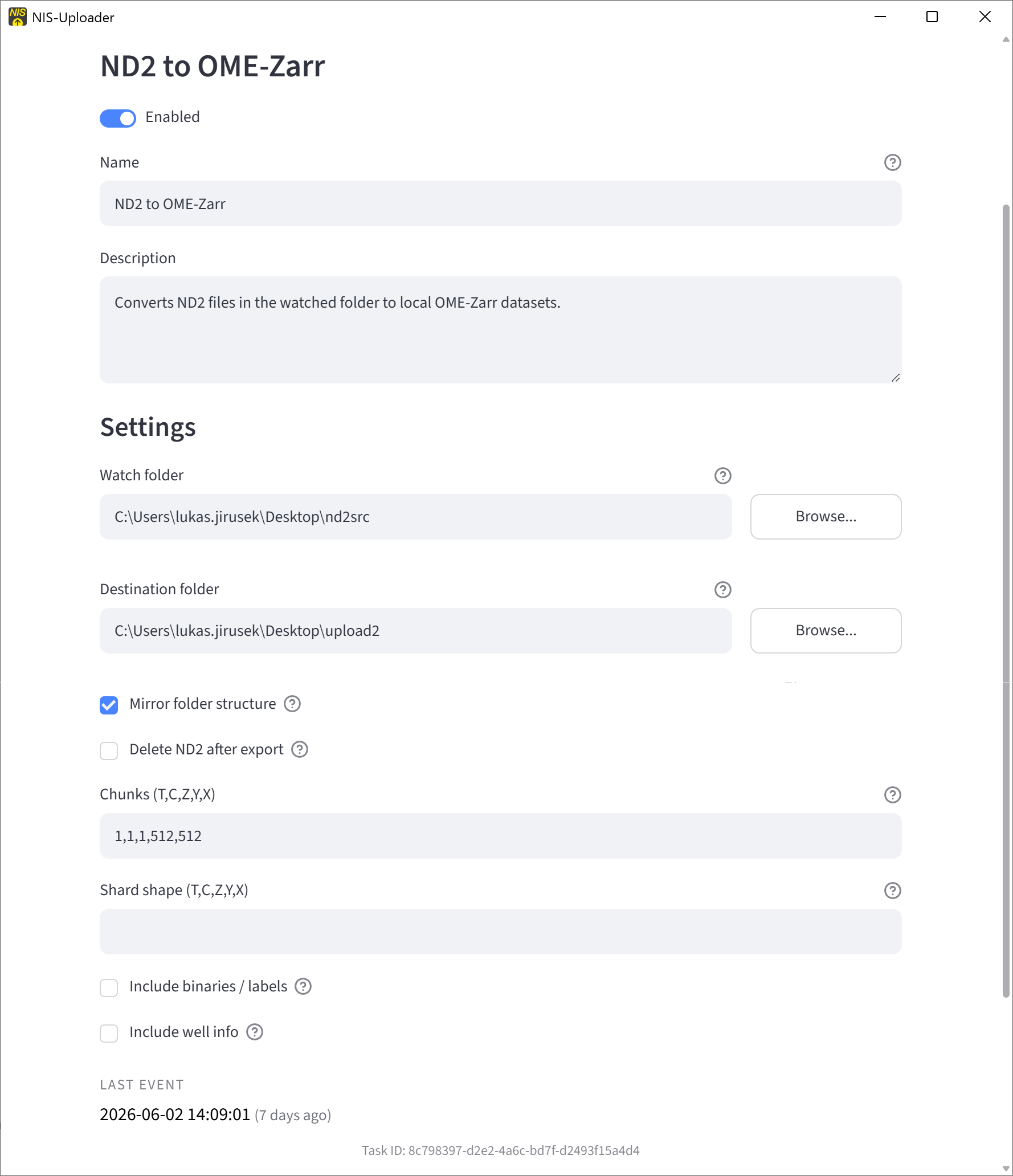
ND2 to OME-Zarr
This task watches a source folder for ND2 files and automatically exports them as OME-Zarr datasets.
It is intended for automated conversion workflows where ND2 files should be written into a local destination folder in OME-Zarr format. If an export already exists, the task skips it unless the source ND2 file is newer.
Task Settings
Watch folder Where the ND2 files appear.
Destination folder Where the OME-Zarr results are written.
Mirror folder structure Keeps the same folder layout in the destination.
Delete ND2 after export Removes the original ND2 after a successful export.
Chunks Controls the OME-Zarr chunk size used for export. In most cases, the default value is fine.
Shard shape Controls how data is grouped internally during export. Leave the default unless you have a reason to change it.
Include binaries / labels Includes binary or label data when available.
Include well info Includes well-related metadata when available.
Open the Export in napari
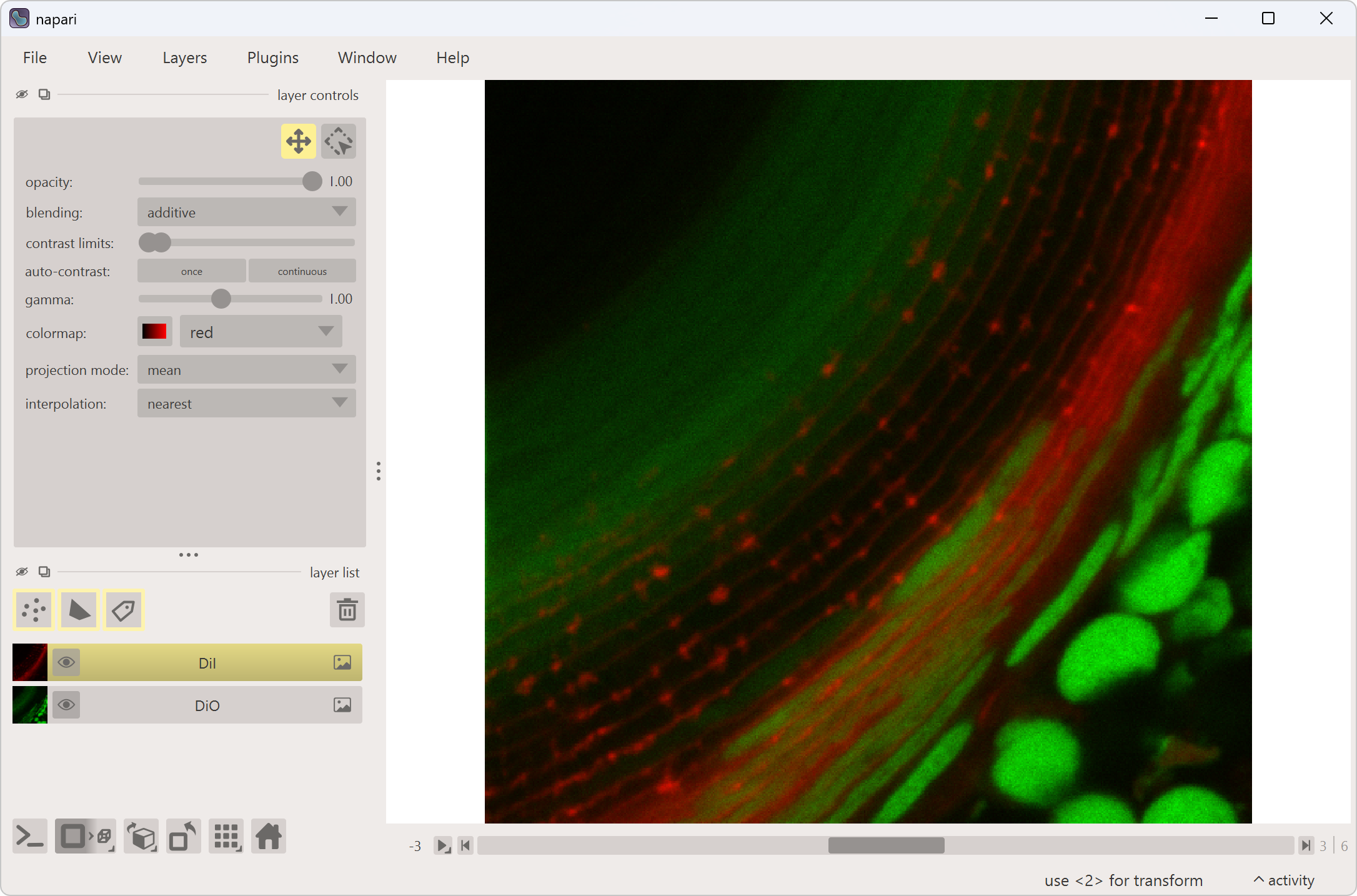
OME-Zarr exports can be opened in napari.
To work with OME-Zarr data in napari:
- Install napari.
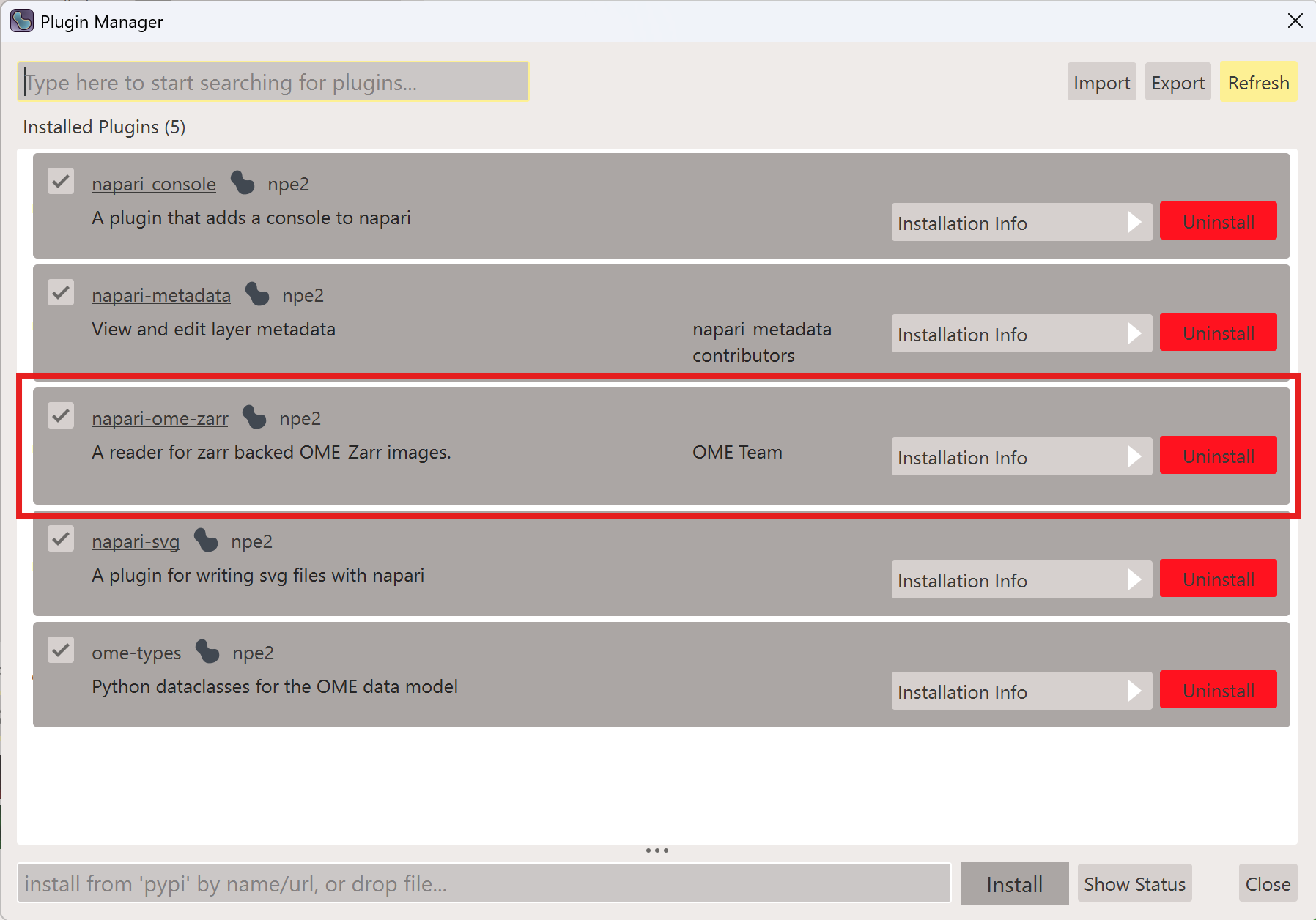
- Install the OME-Zarr reader plugin if it is not already available.
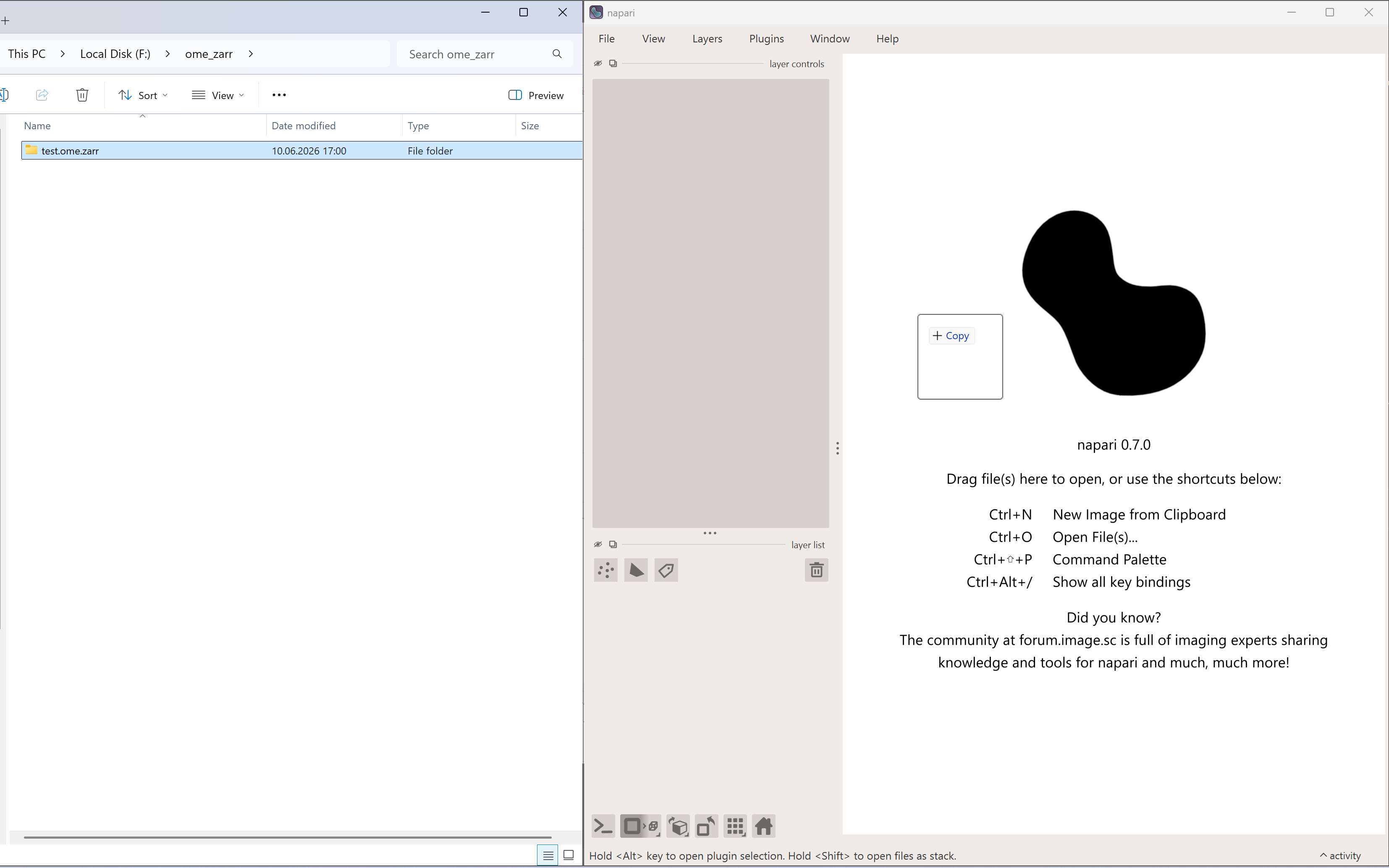
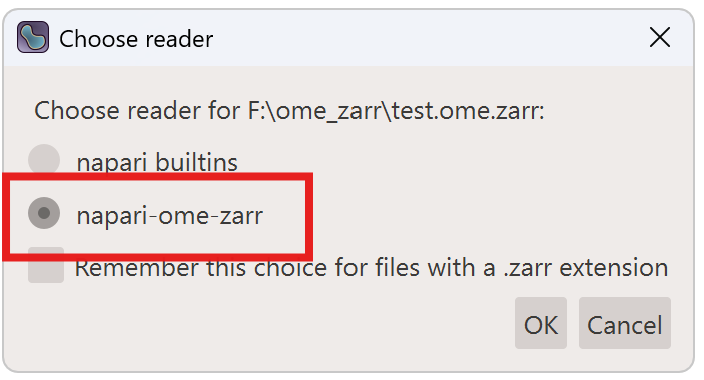
- Open the exported dataset by drag and drop or by choosing the correct reader for the file.
.ome.zarr folder. Open one of the nested folders inside it instead.