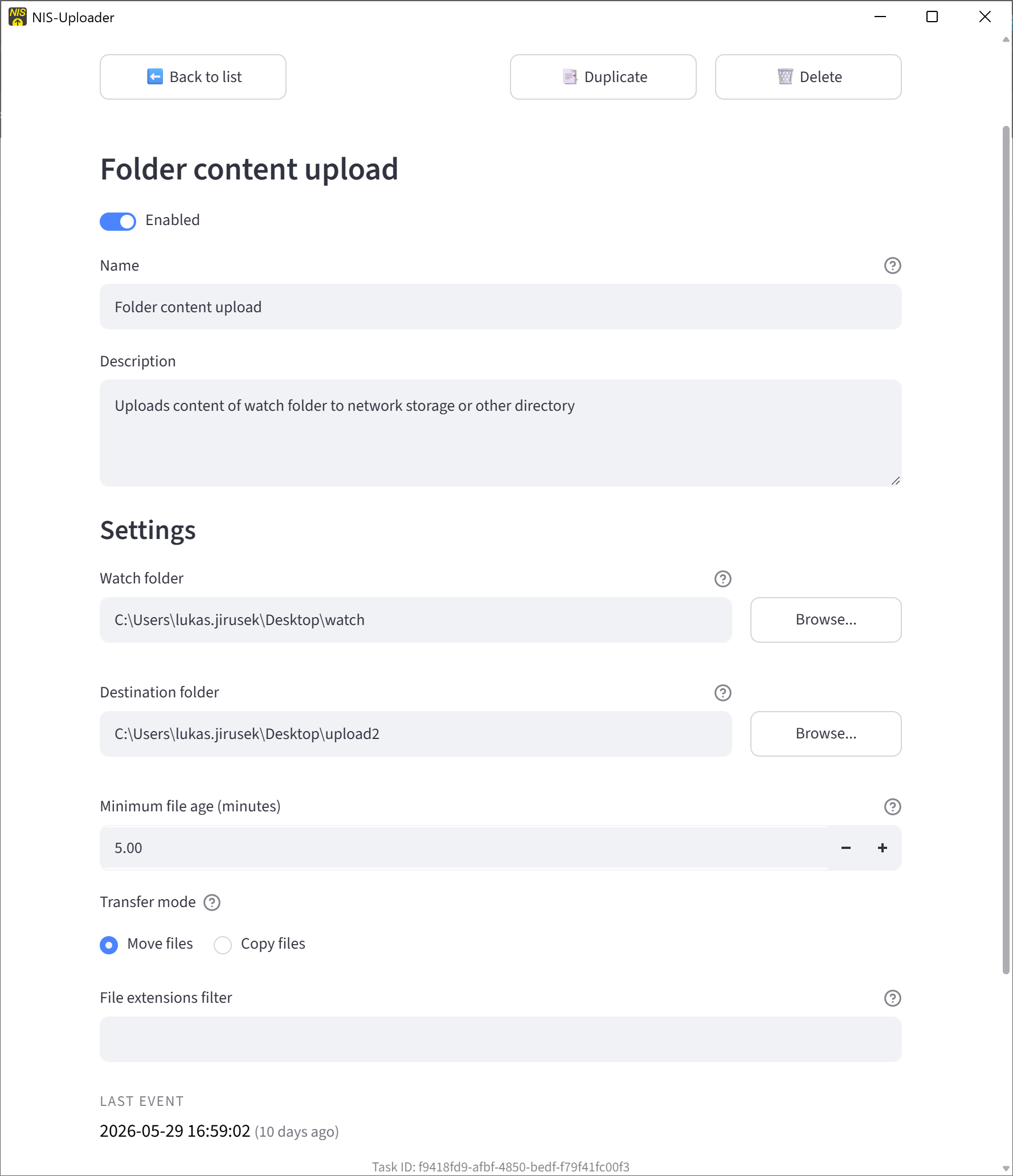
Folder Content Upload
Folder Content Upload
This task watches a source folder and automatically transfers matching files to a destination folder.
It is intended for simple folder-based automation, where new files should be copied or moved after they appear and are old enough to be processed safely.
Task Settings
Watch folder The folder that NIS-Uploader checks.
Destination folder The folder where the files are sent.
Minimum file age Waits until files are old enough before processing them. This helps avoid picking up files that are still being written.
Transfer mode Choose whether files should be copied or moved. Copy leaves the original file in the source folder, while move removes it after successful transfer.
File extensions filter Limits the task to selected file types when needed.