Troubleshooting
Troubleshooting
Use this page when something is not behaving as expected.
Nothing Seems to Happen
Check the following:
- the task is enabled
- the watch folder exists
- the destination folder is correct
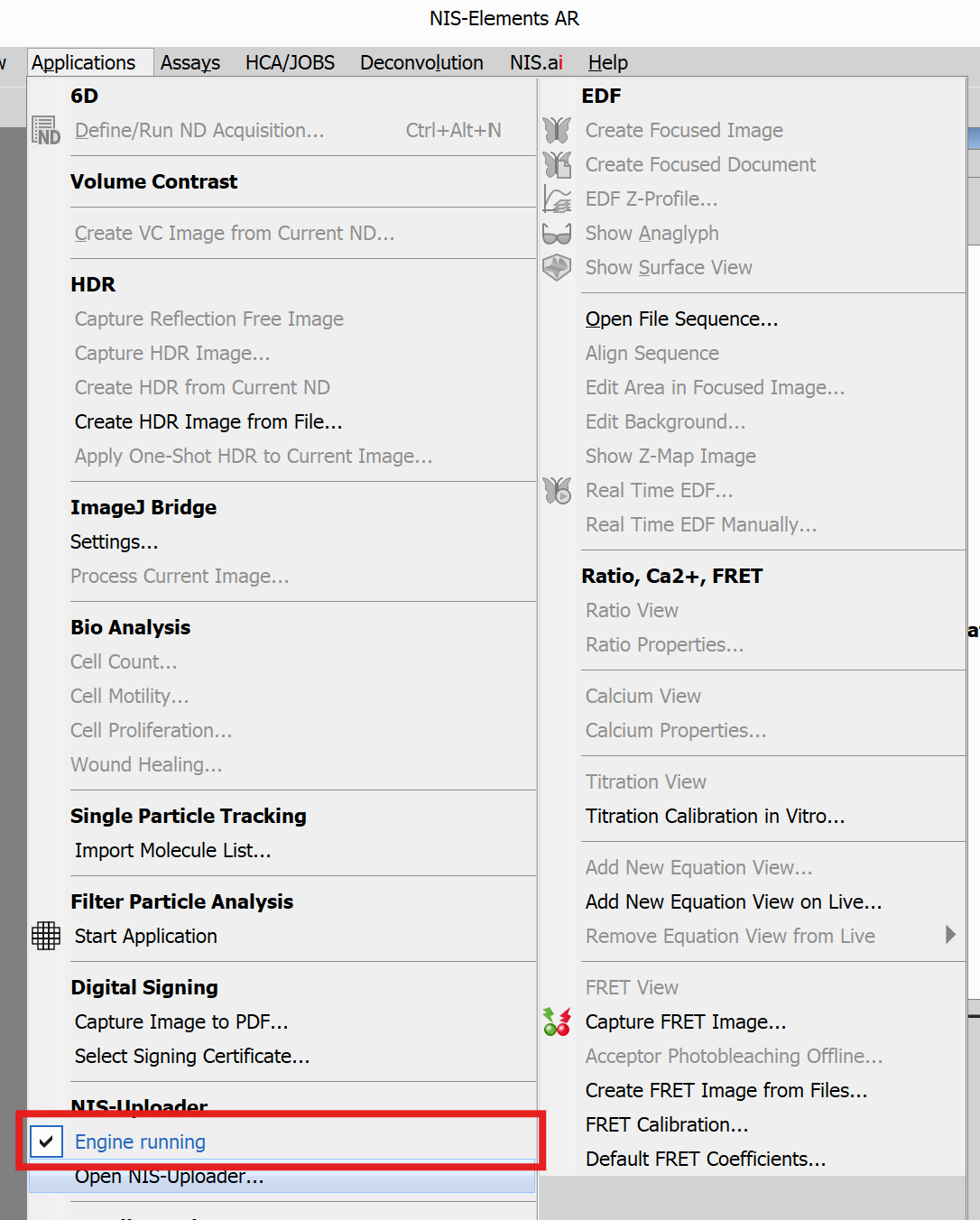
- the engine is not paused
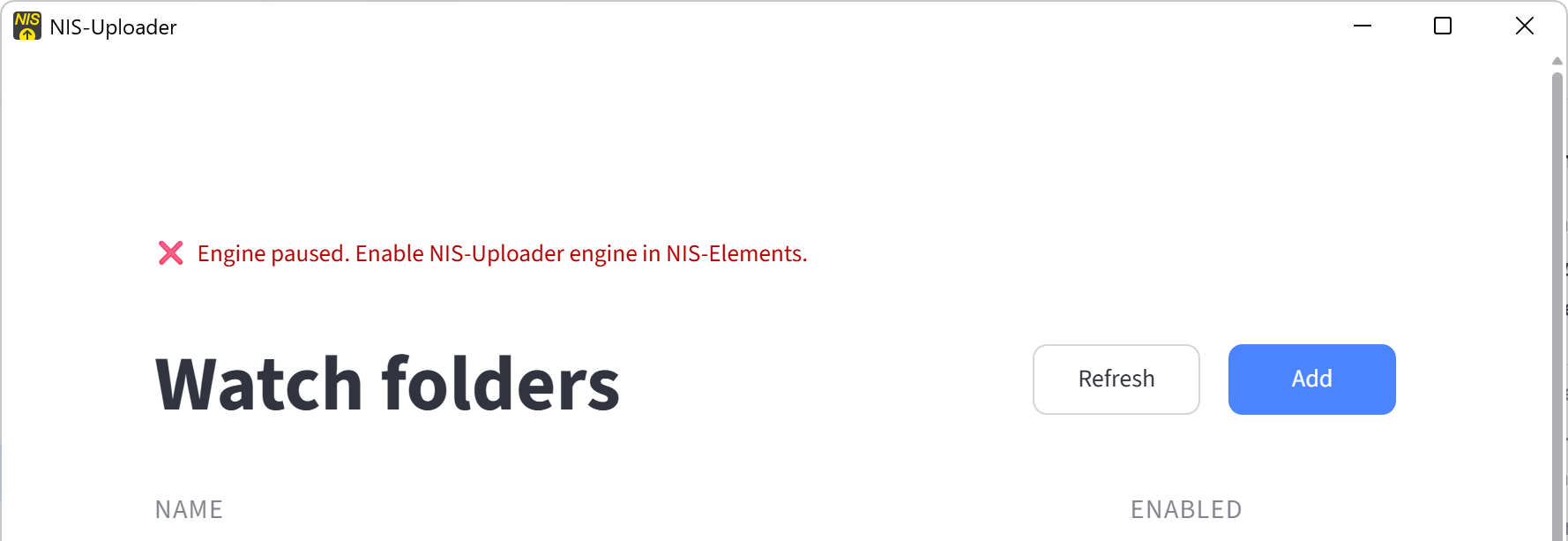
The App Says the Engine Is Paused
This means processing is currently stopped.
Enable the NIS-Uploader engine in NIS-Elements if needed.
Files Are Not Processed Immediately
This can be normal.
Some tasks wait until files are old enough before handling them. This helps avoid using files that are still being written.
What Happens if a Task Fails?
If a task fails, the application keeps running.
You can review the logs page and export the logs if support needs them.