Main Window
Main Window
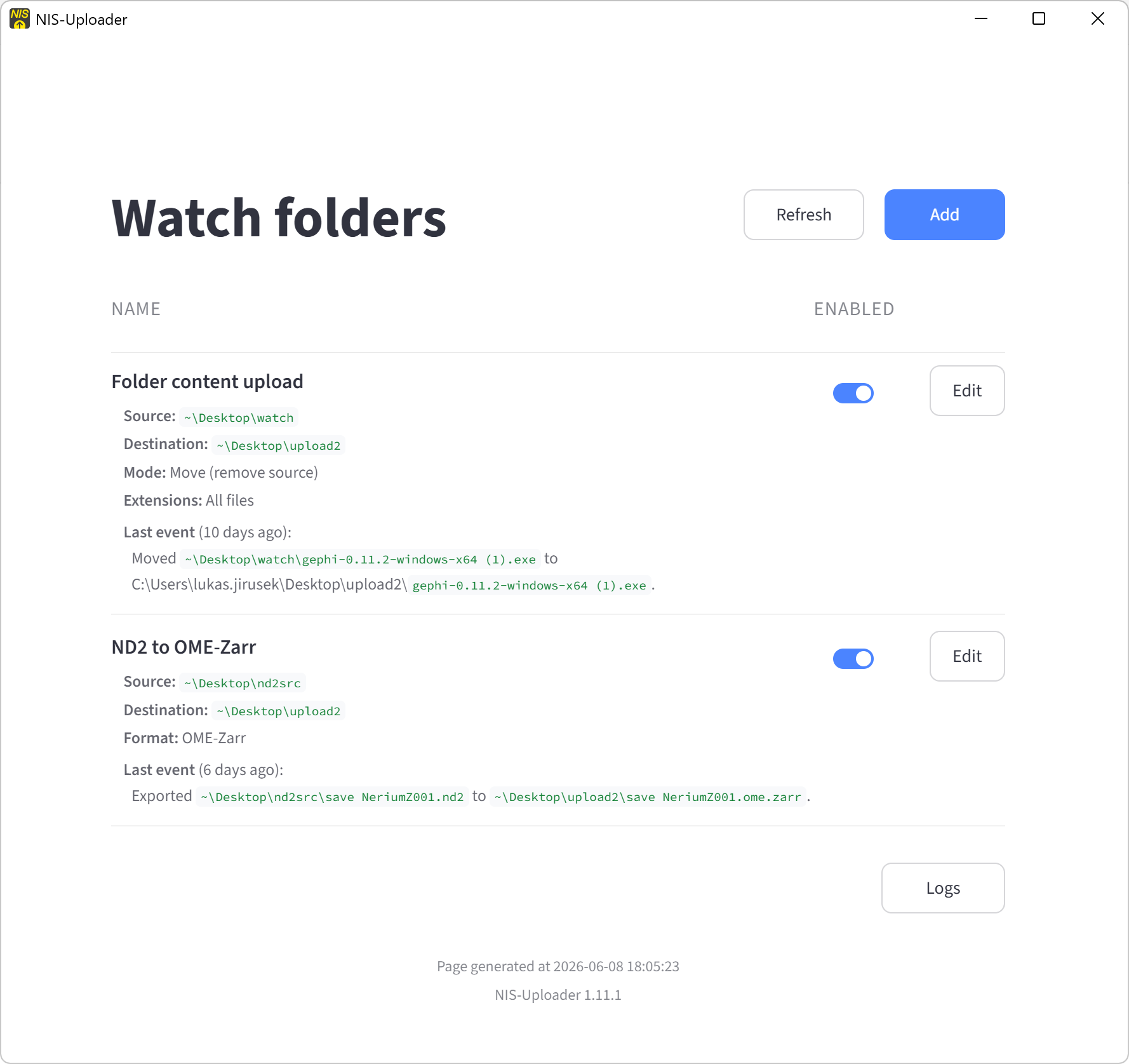
The main window shows the list of configured tasks.
Each task watches a folder and performs an action automatically.
Main Window
From the main window, you can:
- review existing tasks
- open a task to see its settings
- add a new task
- open the logs page
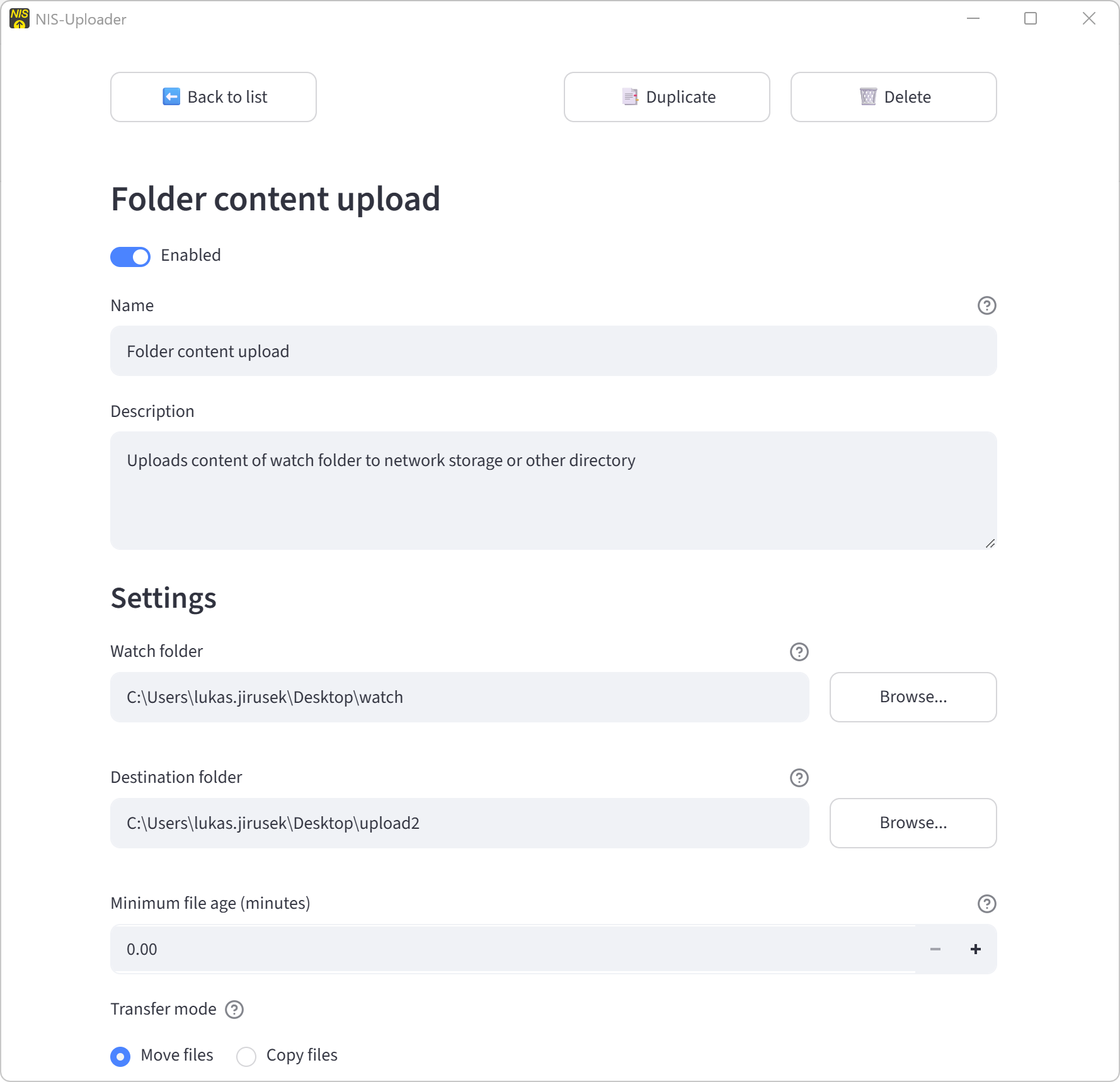
Opening and Editing a Task
Click any task in the list to open its details.
There you can:
- change task settings
- enable or disable the task
- duplicate the task
- delete the task