Logs and Export
Logs and Export
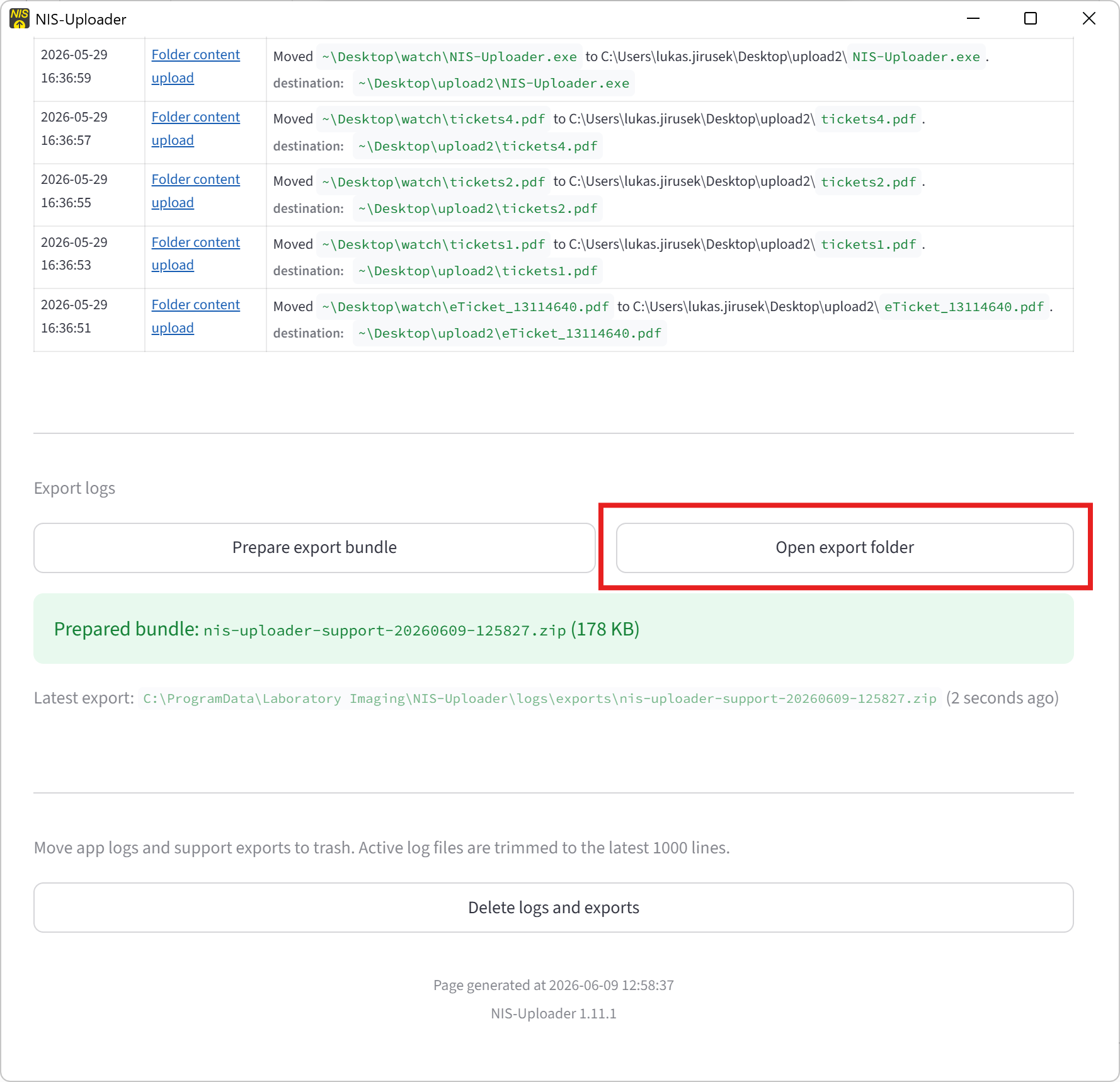
The logs page helps you review recent activity and prepare information for support when needed.
The Logs button is available at the bottom of the main page.
Logs Page
The logs page shows recent task activity.
This is useful when:
- you want to confirm that processing is happening
- you want to see recent task events
- you need to prepare logs for support
Exporting Logs
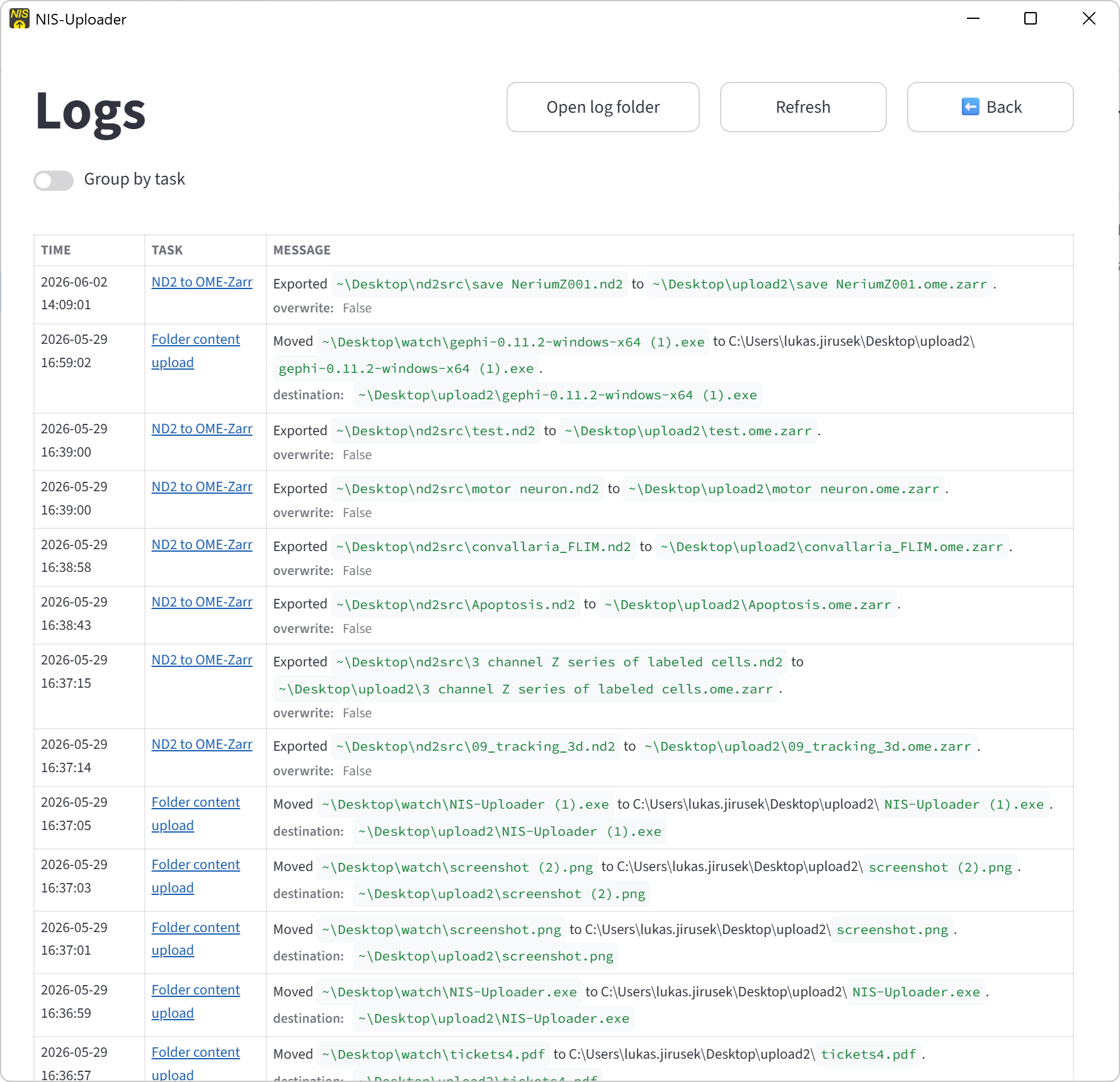
If support asks for logs:
- Open the logs page.
- Click Prepare export bundle.
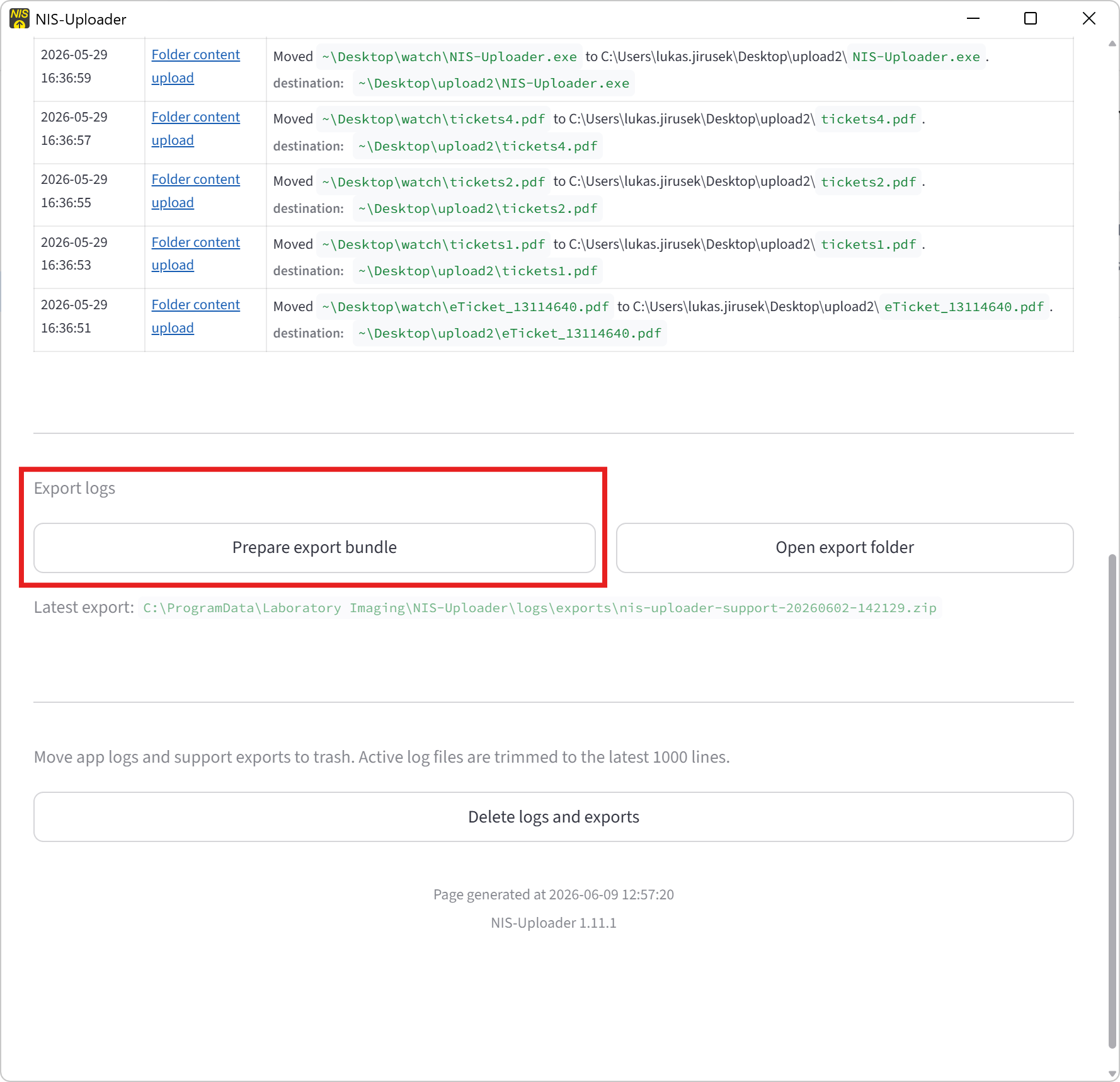
- Use Open export folder if you want to open the saved location.
The export bundle is written automatically to the export folder.
What the Export Includes
The export bundle is meant for troubleshooting and support.
It can include:
- application logs
- task logs
- task definitions
- runtime helper files
- summary information about watched and output folders
Latest Export
After an export is created, the logs page can show the latest export path and how recent it is.