Application Start
Application Start
NIS-Uploader can be started either as a normal Windows application or from NIS-Elements.
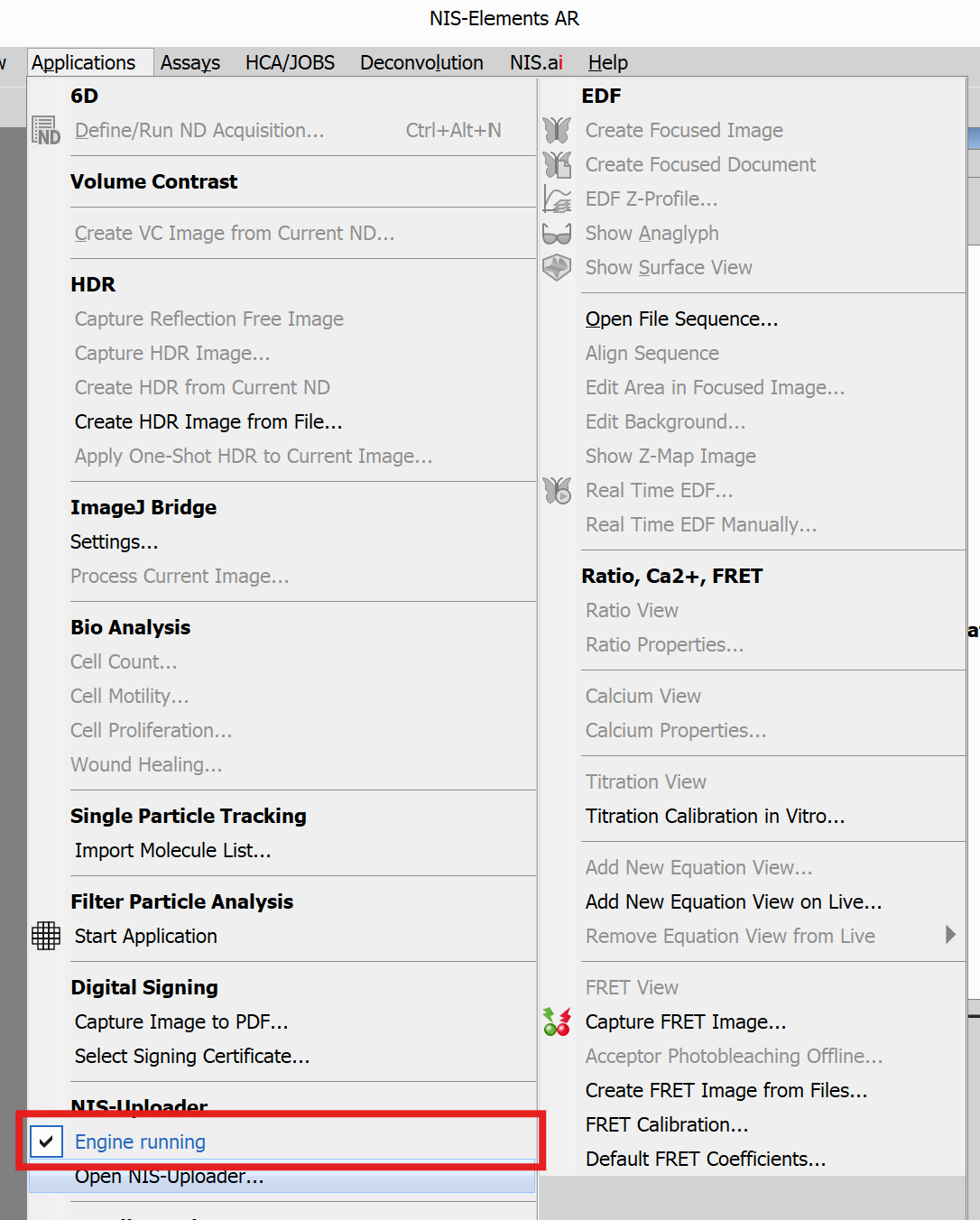
Start from NIS-Elements
Open NIS-Elements, then go to the Applications menu and find the NIS-Uploader group.
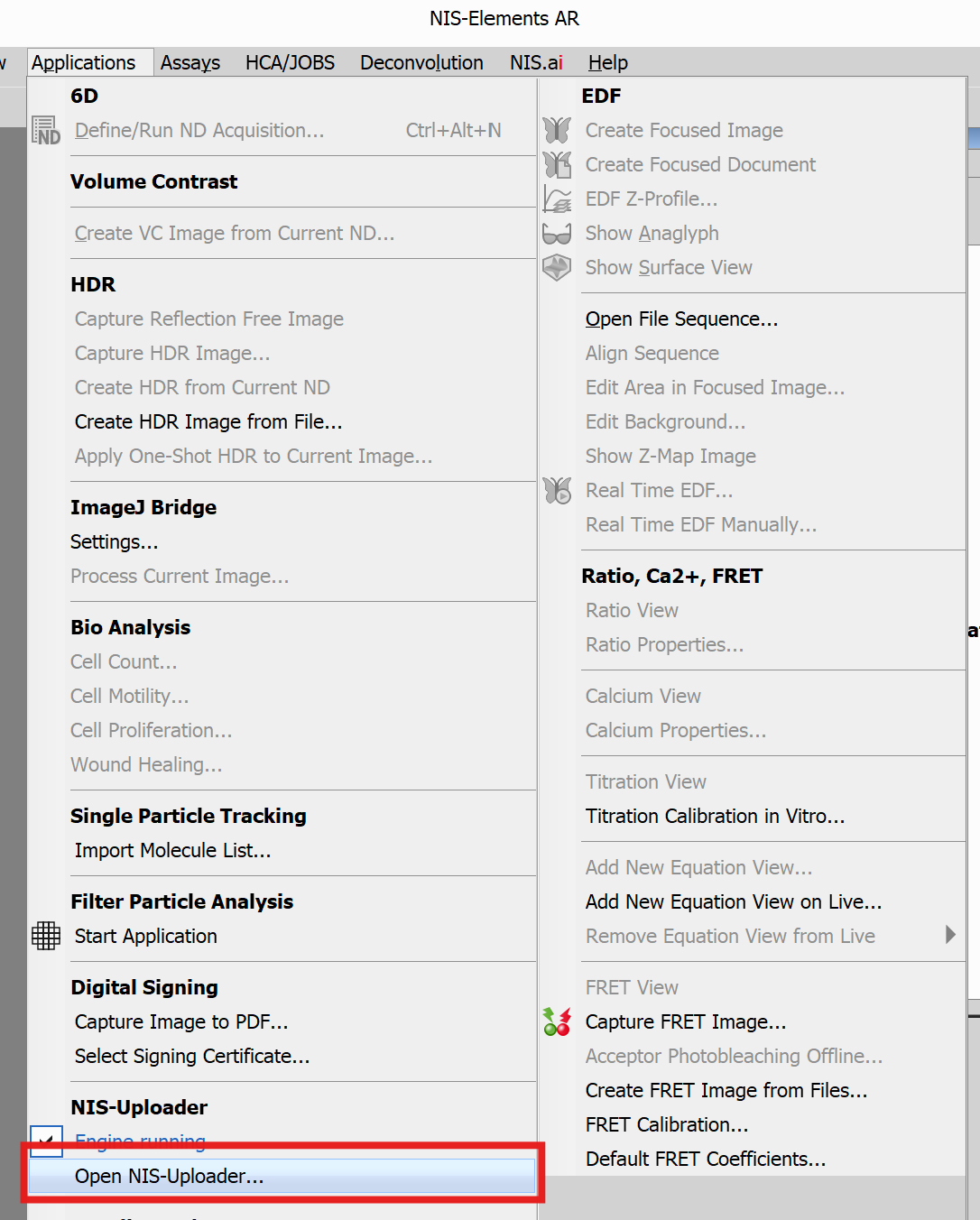
Use Open NIS-Uploader… to open the application.
Once started, NIS-Uploader runs in the Windows system tray.
Tray Icon
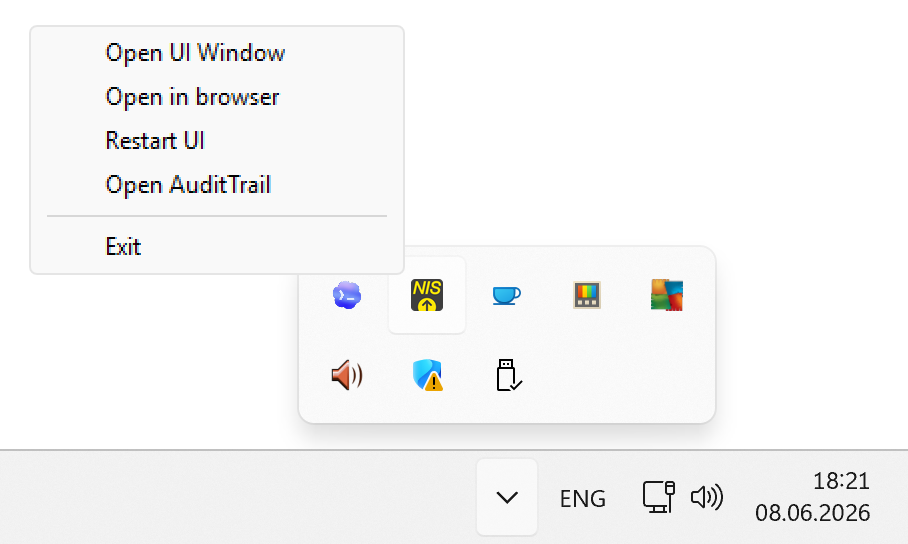
After the application starts, look for the NIS-Uploader icon in the tray area near the clock.
If NIS-Uploader is already running, you can open it from the system tray.
The tray icon is useful when you want to:
- open the main window
- restart the user interface
- open AuditTrail, if available
- close the application
If the Engine Is Paused
If the app says the engine is paused, this means processing is currently stopped.
Engine control is tied to NIS-Elements. If needed, enable the NIS-Uploader engine there.