Adding Tasks
Adding Tasks
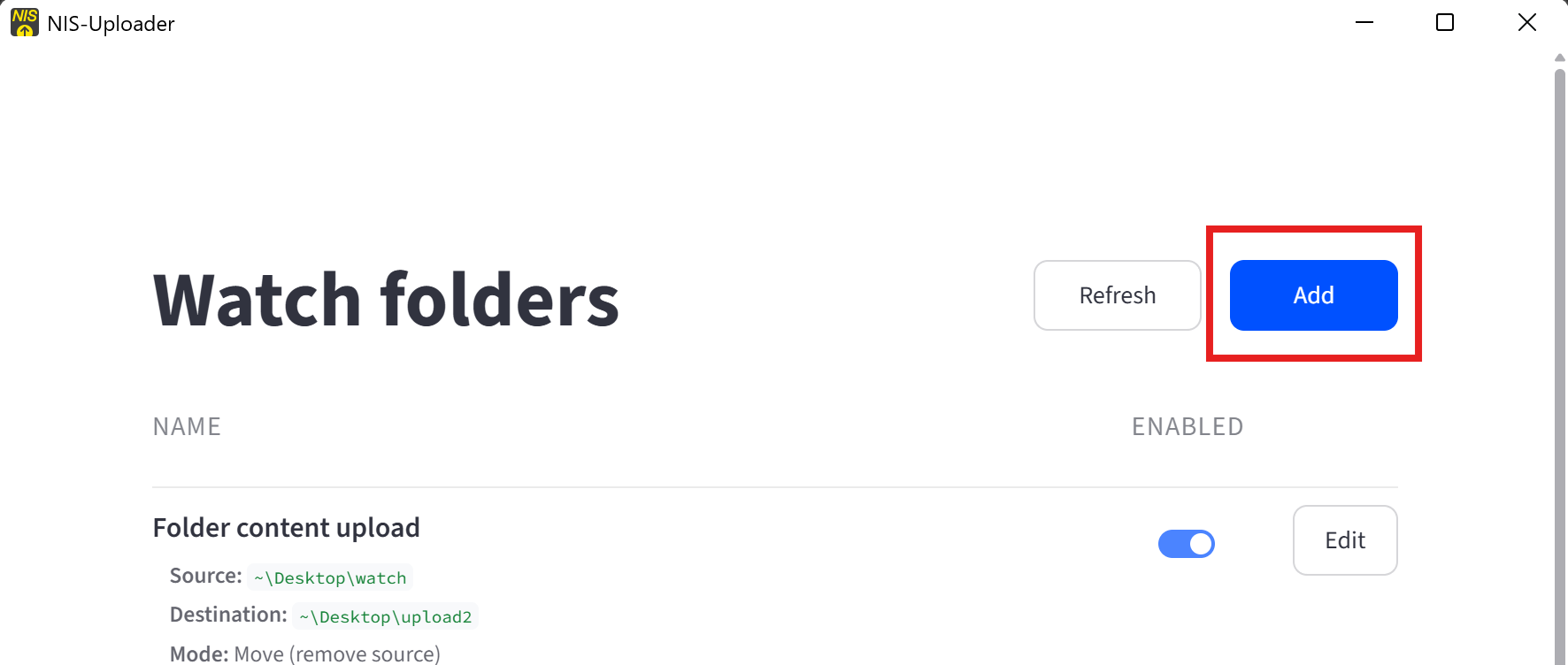
Tasks are added from the main window.
Adding a Task
To add a task:
- Click Add.
- Choose the task type.
- Fill in the required folders and settings.
- Return to the task list when finished.
Task-specific settings are described in the Tasks section.